

Property Health
A score, trend, and shareable PDF built from AI-analysed video walkthroughs of each room. Creating condition reports requires Propero Pro.
Property Health is the hub screen and score built from condition reports. Propero records a video walkthrough of each room, has AI analyse it, and turns the result into a score, a trend, and a shareable PDF. Open it from the property hub's Property Health pulse card.
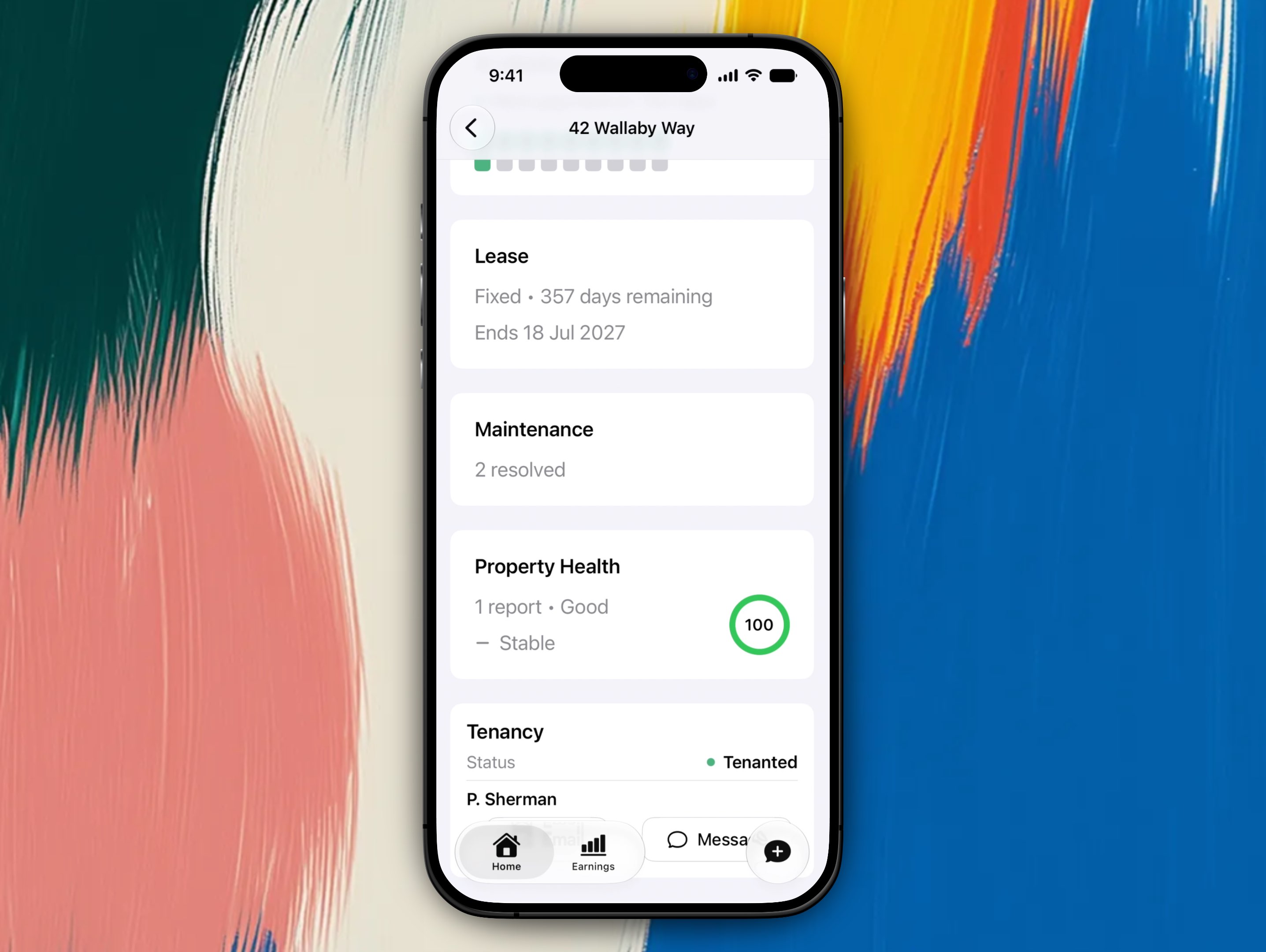
The pulse card carries the score, its rating, and the trend. Tap it to open the full Property Health screen.
Creating and processing condition reports requires Propero Pro, even on your first property. Once a report exists, the score, trend, and report history stay visible on the Property Health screen whether or not you're subscribed.
Start with Understanding Property Health for how the score works, then follow the Condition Report guides for the capture, review, and PDF workflow.
Archiving a property
Delete an empty property from Home, or contact support to remove one with records. Leave a property that's just between tenants as Vacant.
Understanding Property Health
How the 0 to 100 score is worked out from your ingoing baseline, what the ring colours and trend mean, and when inspection reminders arrive.