

Archiving a property
Delete an empty property from Home, or contact support to remove one with records. Leave a property that's just between tenants as Vacant.
Delete an empty property
If you added a property but never recorded anything against it (no tenant, rent, maintenance, documents, or compliance records), you can remove it yourself from Home:
- Long press the property card
- Tap Delete Property (red)
- Confirm in the alert
Propero removes the property and returns you to property setup if you want to add a different one.
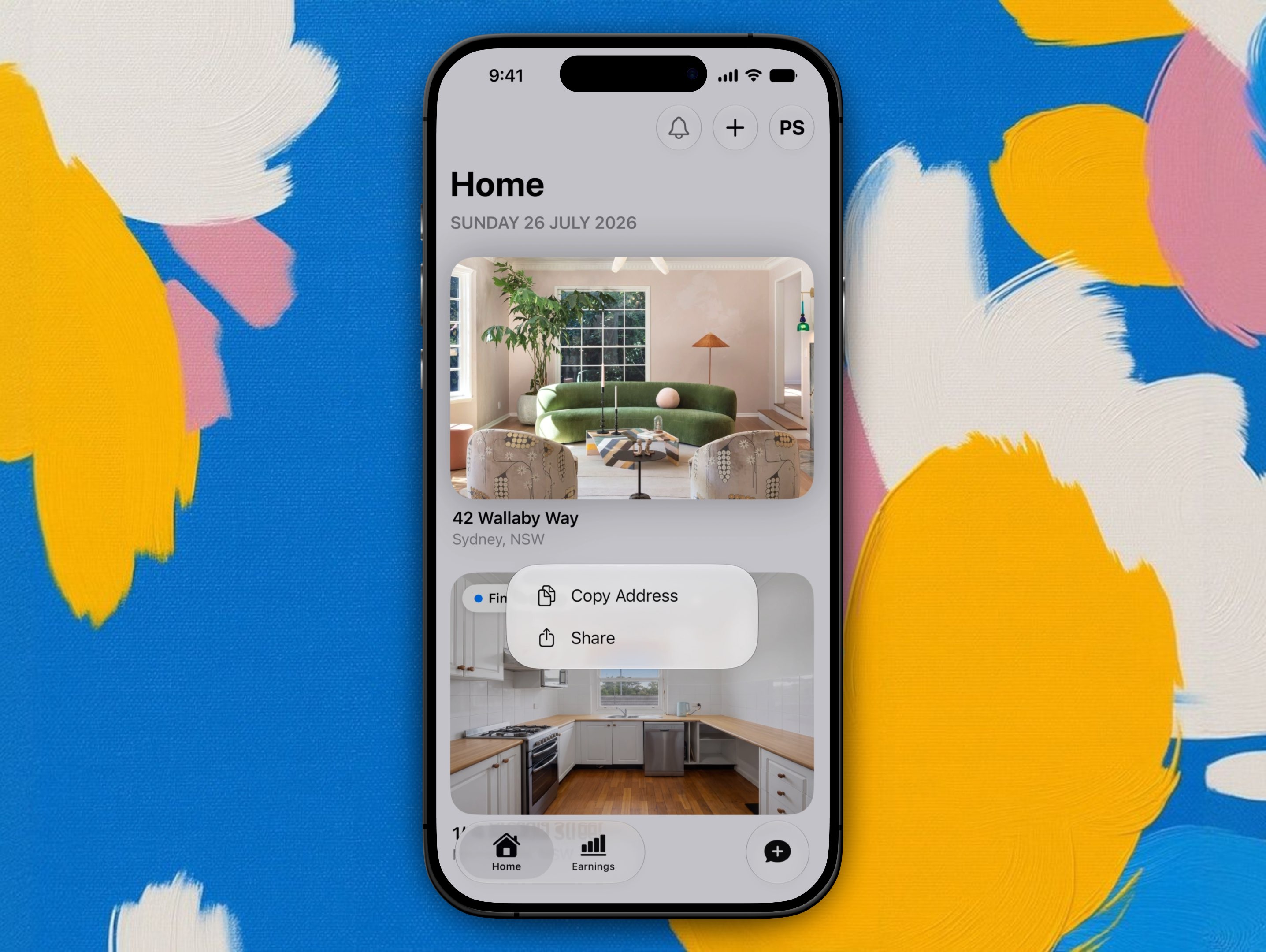
Long pressing a card with no records offers Delete Property alongside Copy Address and Share. Cards that already have history show Copy Address and Share only.
If the property has any records
There's no self-serve delete once a property has rent, lease, maintenance, documents, or compliance history. Every record stays tied to that property until support removes it.
If you've sold a property or stopped letting it
Get in touch with support and we can remove it from your account for you.
To speed things along, include the property's address and let us know if you'd like anything (payment history, documents, condition reports) exported first.
Between tenants? You don't need to do anything
If you're just between tenants, leave the property as is. It shows as Vacant on Home until you add a new tenant, and nothing about the property record is lost while it sits empty.
Why properties with history go through support
Removing a property touches rent history, lease documents, and compliance records tied to it, so anything with records is handled by a person rather than a single tap in the app. Account deletion works the same way: see Privacy & your data.
Adding another property
Adding a second property needs Propero Pro. Tap + on Home to run the same setup wizard, use Save & exit to resume later, and add as many as you need.
Property Health
A score, trend, and shareable PDF built from AI-analysed video walkthroughs of each room. Creating condition reports requires Propero Pro.