

Property
Every property gets its own hub, opened from its card on Home. This section covers photos, property details, adding more properties, deleting an empty one, and removing one with records.
Every property you manage gets its own hub in Propero: one scrolling screen for that property's rent, lease, maintenance, health, tenant, documents, compliance, and strata information. Open it by tapping the property's card on Home.
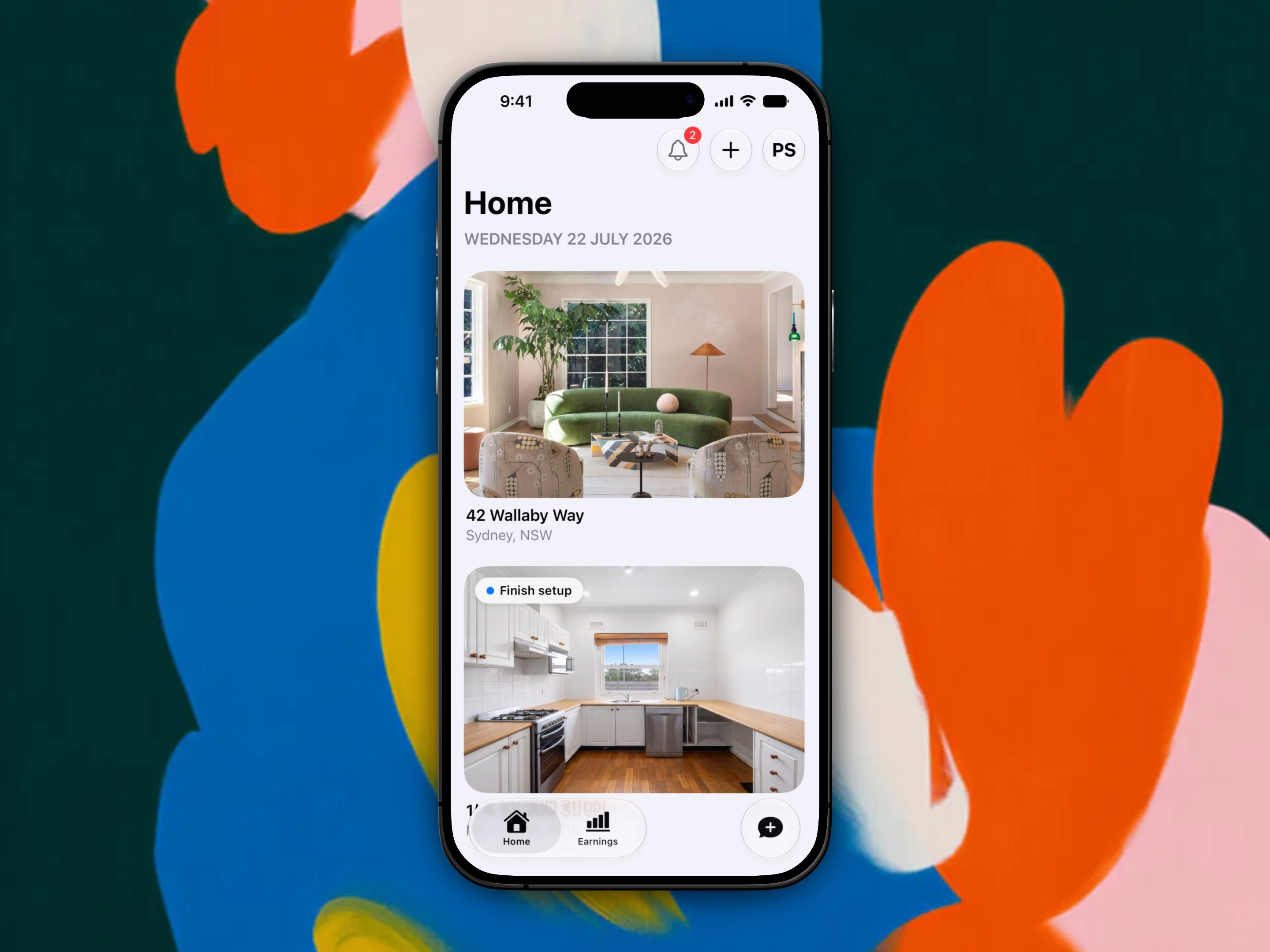
Home lists every property in your portfolio. A Finish setup badge marks one that still needs details filled in.
This section of the Help Centre covers the parts of the hub that don't have a home elsewhere: photos and property details, adding more properties, and what to do with one you no longer let.
Where everything else lives
The rest of the hub is covered in its own section of the Help Centre:
- Rent, Lease, Maintenance, and Health cards: see Rent & payments, Tenants & leases, Maintenance & repairs, and Property Health
- Documents, Compliance, and Strata Details: see Documents & compliance
Navigating the app
Home, Earnings, and Chat are Propero's three tabs. Find the property hub's pulse cards, status pills, and where every common task lives.
Property details & photos
Add up to 10 photos to a property's Photo tour, check the read-only setup details, and set a purchase price so Earnings can work out your yield.