

Rent & payments
Rent is set during tenant setup and tracked on Payment Overview. Covers the schedule, recording payments, arrears, receipts, and ledgers.
Rent is set during tenant setup and tracked on the Payment Overview screen (hub > Rent pulse card). The payment schedule, daily status updates, and every recorded payment are handled by Propero's servers. The app is your window onto that work.
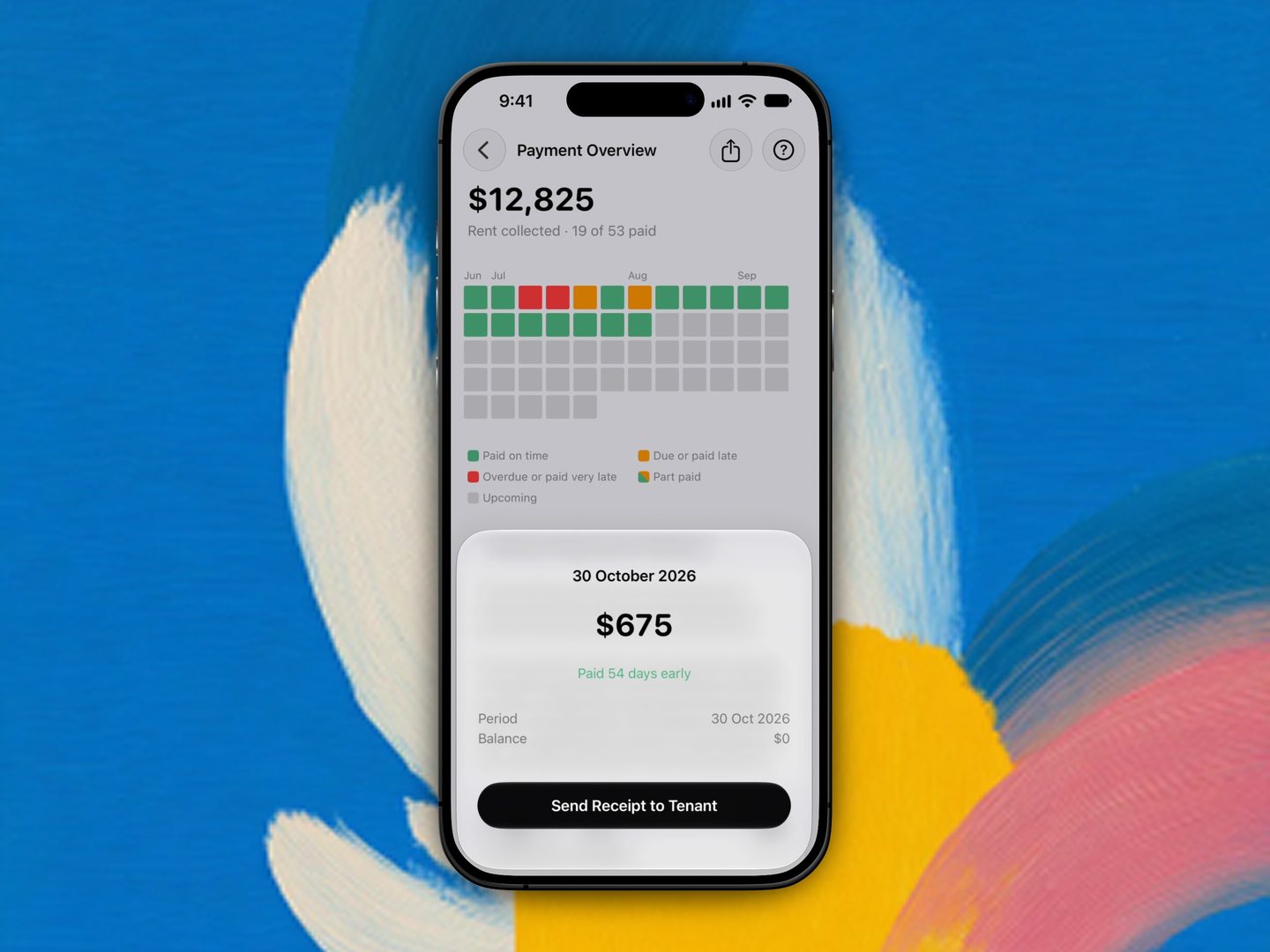
Every rent period as a coloured square, with a payment's detail sheet open over it.
These guides cover the full rent lifecycle:
- Setting up rent: how the schedule is built from your lease terms
- Backdated tenancies: what happens when the lease started before you added it
- Recording payments: mark rent as received and read the heatmap
- Late rent & reminders: grace periods, statuses, and landlord notifications
- Statements & receipts: receipts, the rental ledger, and tax summaries
Forwarding your own emails
Forward an email from your sign-in address to a property's address and Propero answers it, in Chat and by email back to you. Covers the Accept forwarded emails switch and Hide My Email accounts.
Setting up rent
Rent is always entered as a weekly figure during tenant setup, with bond defaulting to four weeks. Terms are read-only once the lease is running.