

Navigating the app
Home, Earnings, and Chat are Propero's three tabs. Find the property hub's pulse cards, status pills, and where every common task lives.
Propero has three tabs at the bottom of the screen: Home, Earnings, and Chat. Most day-to-day property work starts on Home.
Home
Home is your portfolio view. You see one card per property, with a photo and a single status pill when something needs attention:
| Pill | Meaning |
|---|---|
| Rent overdue | Rent is past the grace period |
| Action needed | Something on the property needs your attention, including a tenant email waiting for a reply |
| Finish setup | Setup is incomplete |
| Vacant | The property has no active tenant |
| (no pill) | All is well |
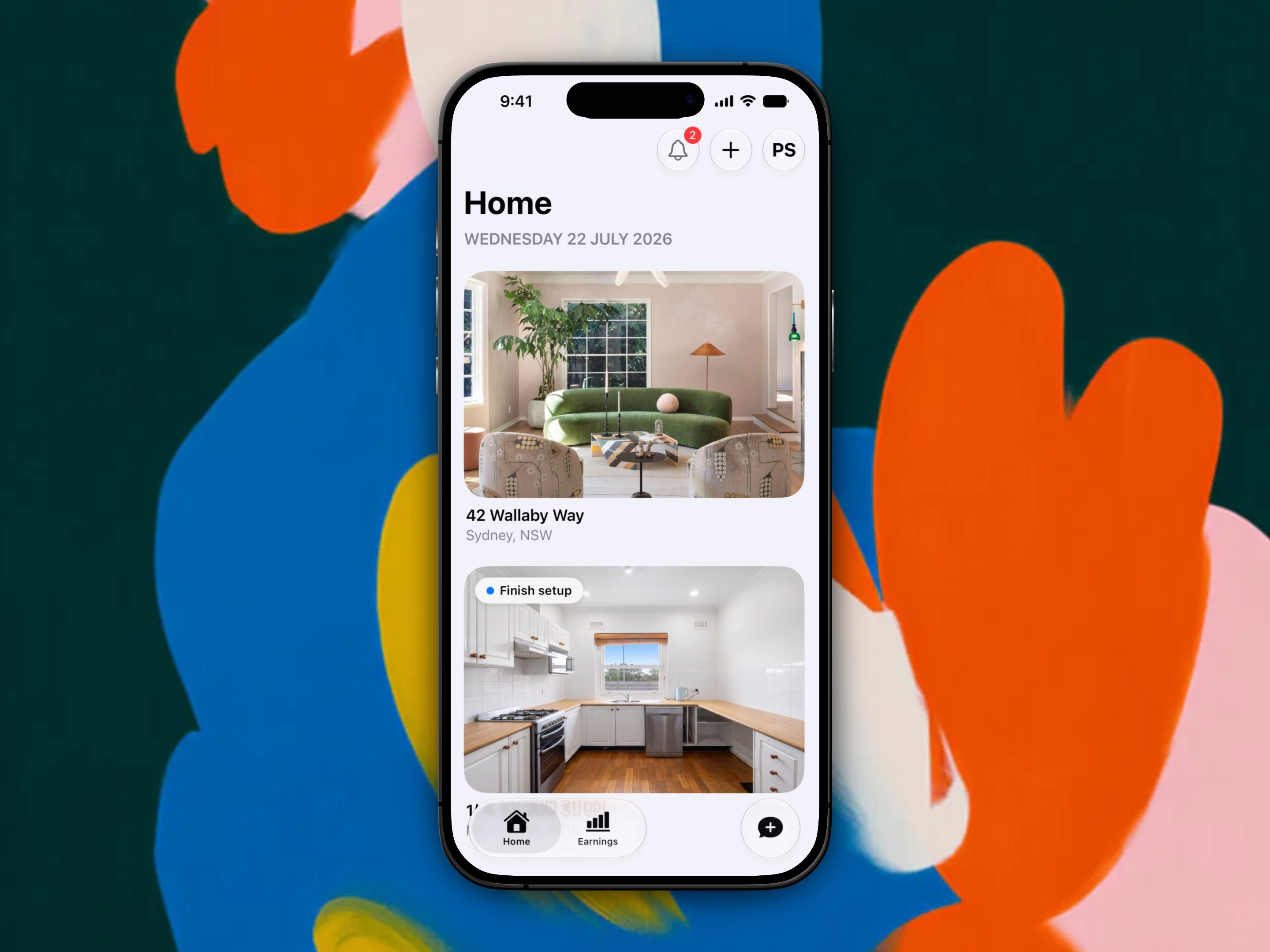
The top-right corner of Home carries three icons: a bell for notifications, a + to add another property, and a circle with your initials that opens Account.
Tap a property card to open its property hub. The hub title is the street address. Everything for that property lives here.
Property hub
When something needs you, an attention card sits at the very top of the hub with one row per issue (rent overdue, a tenant to add, urgent maintenance, and so on), worst first. Tenant emails share one row, "2 tenant emails waiting on you", which opens the chat for that property. Tap a row to jump straight to it.
Below that, four pulse cards open the main detail screens:
| Card | Screen title |
|---|---|
| Rent | Payment Overview |
| Lease | Lease Overview |
| Maintenance | Maintenance |
| Property Health | Property Health |
The hub also has sections for Photo tour, Tenancy, Advertising, Property details, Documents, Compliance, and Strata Details. The Tenancy card names your tenant and, at the bottom, holds the property's email address. See Propero Mail.
Tap ? in the top right of the hub, and of the Rent, Lease, Maintenance, Property Health, and Earnings screens, to open the matching page of this Help Centre inside the app.
Where to find common tasks
| Task | Path |
|---|---|
| Record rent | Home > property card > Rent > tap a payment > Record Payment |
| Add your tenant | Hub's Add your tenant attention row, or the Tenancy section |
| Edit a tenant's contact details | Hub > Lease > tap the tenant |
| Set up the property email | Hub > Tenancy > tap the address pill |
| Reply to a tenant's email | Hub attention row, or the Chat tab |
| Upload lease PDF | Hub > Lease > Options > Upload Lease Agreement |
| Log maintenance | Hub > Maintenance > +, or Options > Create New Request |
| Condition report | Hub > Property Health |
| Store a document | Hub > Documents |
| Track compliance | Hub > Compliance |
| Strata details | Hub > Strata Details |
| Advertise a vacant property | Home pill, hub Advertising card, or hub attention row |
Earnings tab
The Earnings tab shows totals by month, quarter, or financial year, a chart of rent collected (tap a bar to see that month's collected, spent, and net), per-property yield, expenses, and a Records section with the Expenses screen and your rent ledger and tax summary documents.
See Income & expenses and Reports.
Chat tab
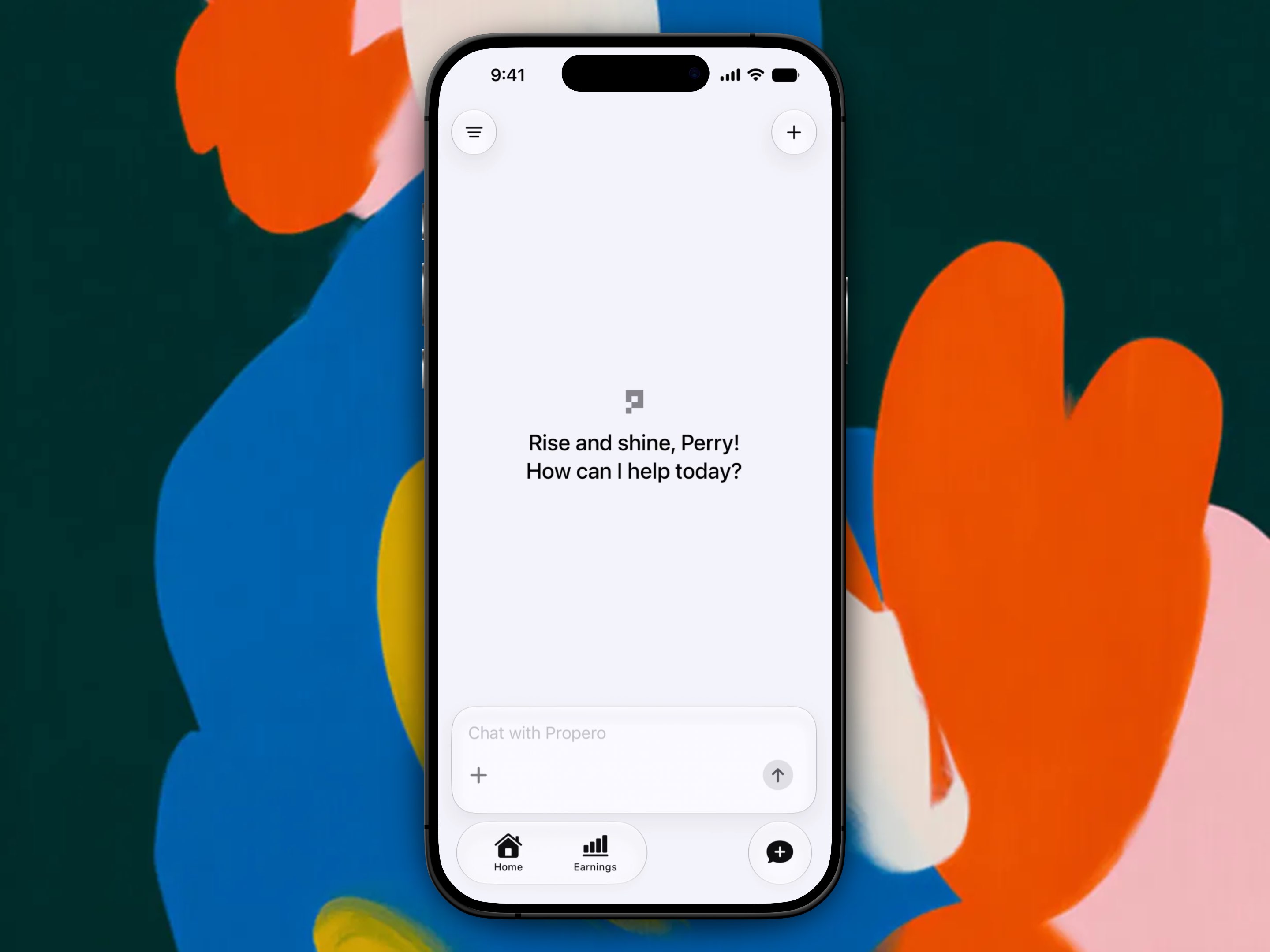
The Chat tab is Propero Chat. It can search Australian tenancy legislation, read your rent, lease, expenses, maintenance, and condition reports, and write an email for you to send your tenant. It's also where your tenants' emails to the property address arrive, with a drafted reply, and where emails you forward are answered. See Using Propero Chat and Propero Mail.
Account
Tap the circle with your initials in the top-right of Home to open Account. From here you can:
- View your profile (your name, email, and phone are read-only; use Contact Support to change them)
- Add your personal address
- Add bank details
- Manage your Propero Pro subscription
- Open Email settings: every property's email address, and the switch for accepting your own forwarded emails
- Contact support or open this Help Centre
- Read the Terms of Service, Privacy Policy, and open-source Licences
- Sign out, or delete your account
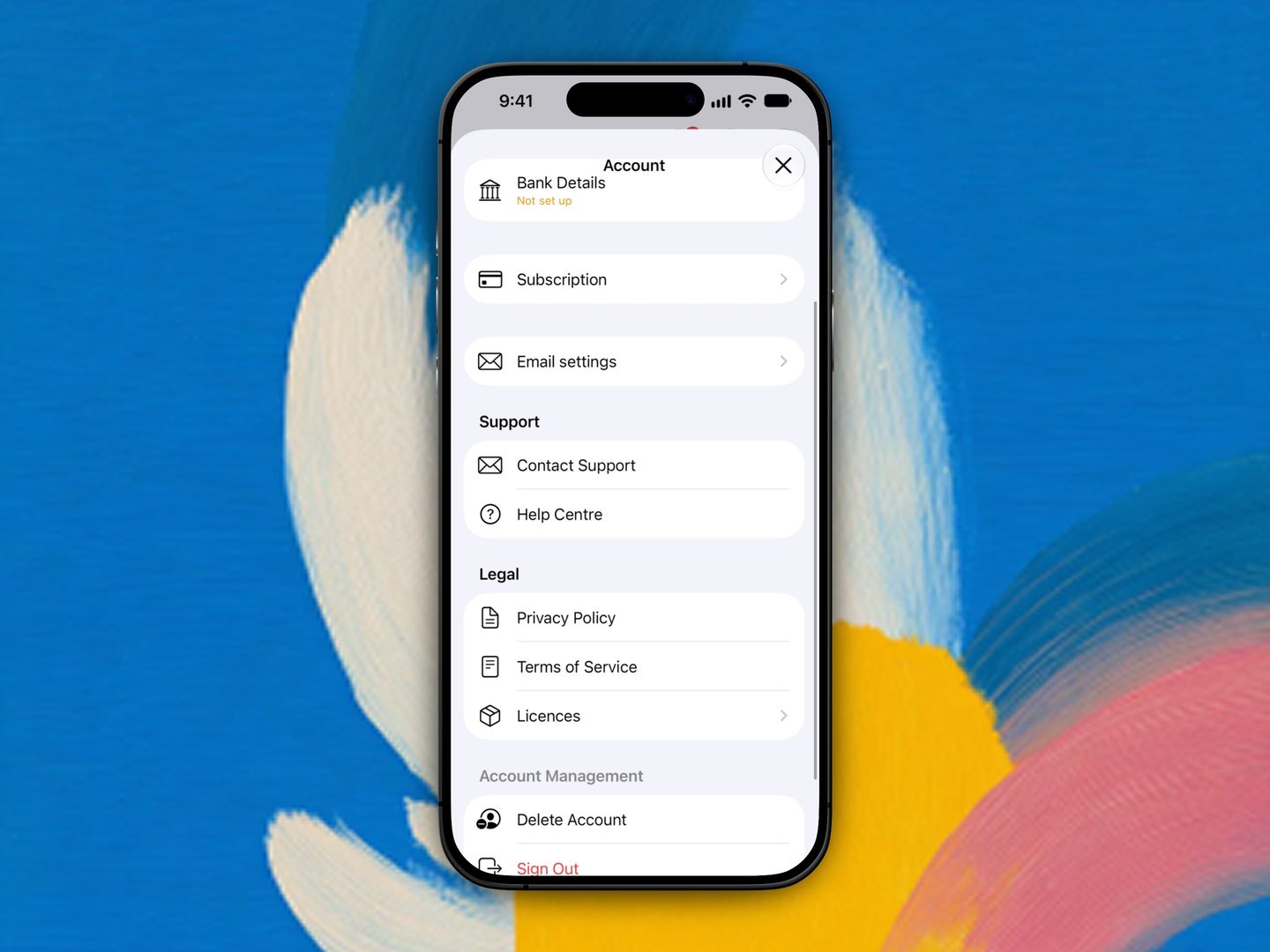
Account is not in the bottom tab bar.
Contact support
Tap Contact Support from Account to send feedback. A member of the Propero team will get back to you.
Help Centre
Tap Help Centre from Account to open these docs inside the app at any time. The ? on the property hub, Payment Overview, Lease Overview, Maintenance, Property Health, and Earnings opens the matching section directly.
Add your first property
Your first property is free. Pick your situation, property type, rental arrangement, and address, then set up your tenant, lease, and rent.
Property
Every property gets its own hub, opened from its card on Home. This section covers photos, property details, adding more properties, deleting an empty one, and removing one with records.