

Propero Mail
Every property can have its own email address. Tenants write to it and Propero drafts your reply in Chat. Forward your own emails to it and Propero answers in Chat and by email, so you can ask about a property from any inbox.
Propero Mail gives every property in Propero its own email address, ending in @inbox.propero.app. It does two jobs:
- Your tenant writes to it. Repair requests, rent questions, notices, paperwork. Propero reads the email, works out what it's about against the lease and any open maintenance, and drafts a reply for you in the Chat tab. You open the draft, edit it if you like, and send. Nothing goes to the tenant until you do.
- You forward things to it. Send an email from the address you signed up with, and it lands in Chat as a conversation. Propero reads it and answers you twice over: in the chat, and by email straight back to you. That second half means you can ask Propero about a property from any mail app, with your phone nowhere near you, and get the answer in your inbox.
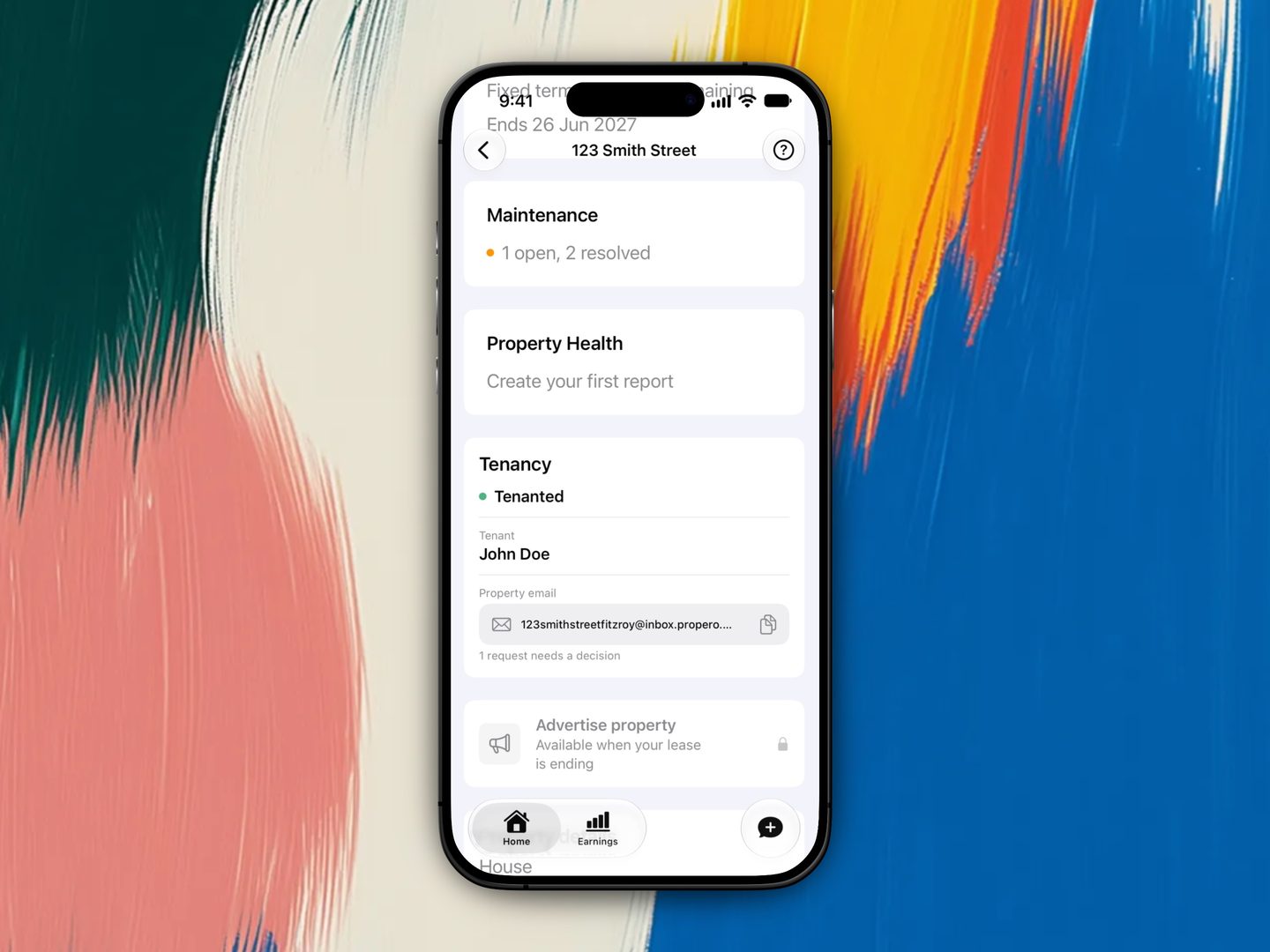
The address is a Propero Pro feature. Free accounts can see it advertised in the app and can still receive a tenant's email in Chat, but setting up the address, the AI read of each email, and sending replies all need Pro. See Subscription & billing.
What it's called in the app
In the app the address itself is labelled Property email: the pill on the property hub's Tenancy card, the Email settings screen in Account, and the Property email and AI triage row on the Pro comparison. Propero Mail is the whole feature those pieces add up to.
What doesn't change
Tenants still don't have Propero accounts or a tenant app. The address is just a place they can write to, and the address everything you send them now goes out from: rent receipts, condition report PDFs, maintenance updates, and anything you ask Chat to write. Each one opens the Email tenant sheet for you to read and send. Propero composes, you send. See Communicating with tenants.
Legal tools
Estimate a break lease fee or generate a state termination notice PDF from Lease Overview. Both cover NSW, Victoria, and Queensland only.
Setting up your address
How a property's @inbox.propero.app address is created, what it looks like, how to share it with your tenant, and where every address is listed in Account.