

Adding another property
Adding a second property needs Propero Pro. Tap + on Home to run the same setup wizard, use Save & exit to resume later, and add as many as you need.
Your first property is free. Adding a second property or more requires an active Propero Pro subscription.
Start from Home
From Home, tap the + button in the toolbar to start the property setup wizard. If you are not subscribed, Propero shows the paywall instead of the setup flow. Subscribe, or restore an existing purchase, then try again. See Subscription & billing for what the paywall offers.
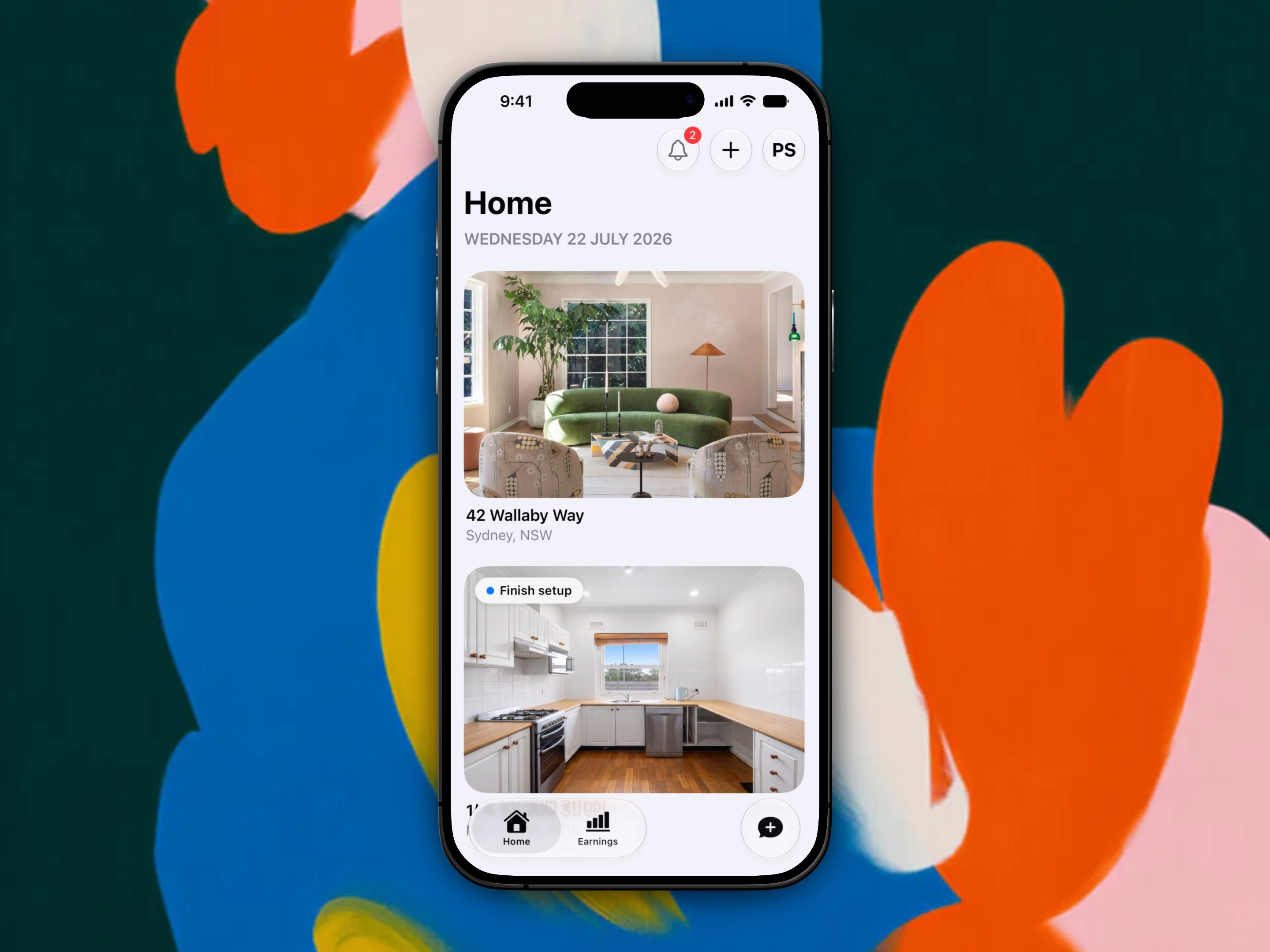
The setup flow
Adding another property walks you through the same steps as your first:
- Your situation: I have a tenant, I'm looking for a tenant, or my tenant moves in soon
- Property type
- Rental arrangement: entire place, private room, or shared space
- Bedrooms, bathrooms, and parking
- Address: search, confirm, or enter manually
- Then, depending on your situation: tenant and lease setup, or listing photos and features
Every one of these steps is shown, with screenshots and video, in Add your first property. The flow is identical, so that walkthrough covers this one too.
You can tap Save & exit at any point in the flow to save your progress. Next time you tap +, Propero resumes exactly where you left off.
Pro and property limits
With Propero Pro, there is no fixed cap on how many properties you can add. Without Pro, you are limited to one property.
See Subscription & billing for what Pro includes.
Property details & photos
Add up to 10 photos to a property's Photo tour, check the read-only setup details, and set a purchase price so Earnings can work out your yield.
Archiving a property
Delete an empty property from Home, or contact support to remove one with records. Leave a property that's just between tenants as Vacant.